
A Simple Guide to Car Key Fob Battery Change

We've all been there. That sinking feeling when you press the button on your car key fob and... nothing happens. It’s beyond frustrating, especially when you're in a hurry. But before you start picturing a massive bill from the dealership, take a breath. More often than not, the culprit is just a dead battery, and it's a fix you can usually handle yourself in about five minutes.
This practical, problem-solving guide will show you exactly how to spot the signs of a dying battery, change it yourself, and what to do if things don't go to plan.
What to Do When Your Key Fob Dies
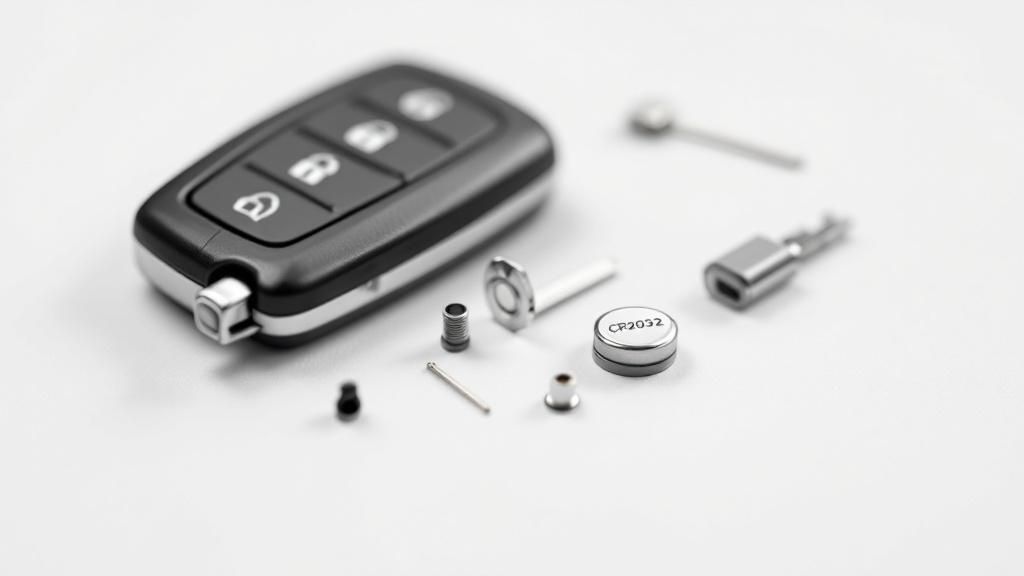
First things first: don't panic. A dead key fob rarely spells disaster. It's almost always a sign that the tiny battery inside has simply run its course. Learning to recognise the warning signs can save you from getting stranded. Think of it like your phone giving you a low battery warning – your key fob does the same thing, just a bit more subtly.
Signs Your Key Fob Battery Is Fading
Is it really the battery? A quick check of these common symptoms will usually give you the answer.
Symptom | What It Really Means | Action to Take |
|---|---|---|
Reduced Range | You have to stand right next to the car for it to work. | The battery's power is weakening and can't transmit the signal as far. |
Inconsistent Response | You're pressing the button multiple times to get a reaction. | The power output is fluctuating, causing intermittent signal failure. |
No Indicator Light | The tiny red light on your fob no longer flashes when you press a button. | The battery is completely drained and can't power even the smallest LED. |
Spotting any of these signs is a clear signal to pop a new battery in.
Tackling the battery replacement yourself is not just satisfying; it's also incredibly cost-effective. A new battery will typically set you back less than £10, a tiny price to pay to get back on the road.
Getting the Right Battery and Tools Together
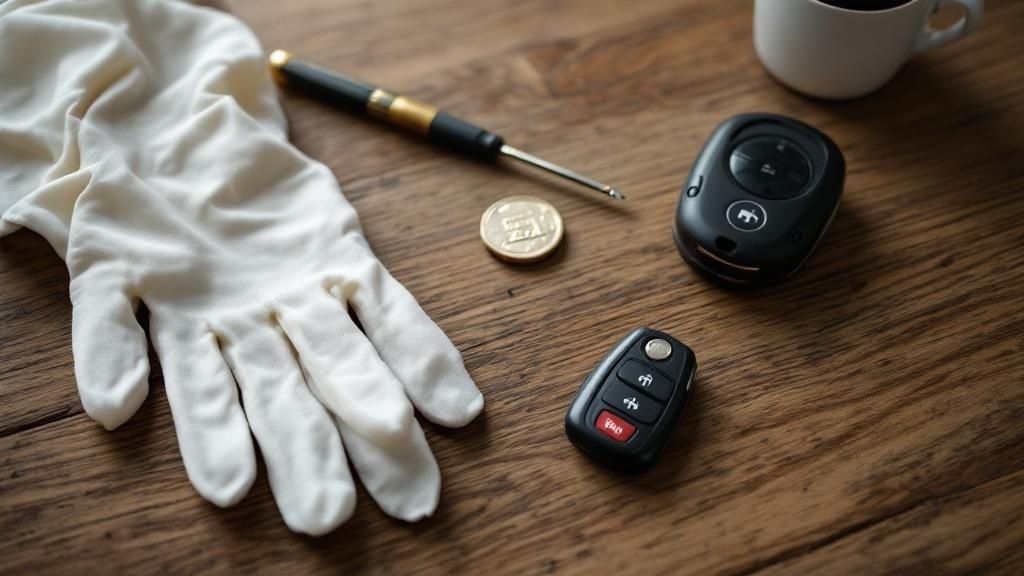
Alright, before you dive in and start taking your key fob apart, let's make sure you've got everything you need. The good news is, you won't need a massive toolbox for this job.
Most of the time, all it takes is a small, flat-head screwdriver to gently pry the fob open. In a pinch, a sturdy coin can even do the trick. The real mission-critical part here is getting your hands on the right replacement battery.
Finding Out Which Battery You Need
The easiest way to figure this out is to pop open the fob and have a look at the old battery. You’ll see a code printed right on top of it – something like CR2032 or CR2025 is pretty standard for most cars these days.
These little lithium coin batteries are surprisingly long-lasting, usually giving you a good two to five years of service. You can easily pick up a quality replacement from places like Halfords or just grab one online.
Don't be tempted to just chuck any old battery in there. Using the correct one is absolutely vital to stop any potential damage to your fob's electronics and make sure it actually works when you're done. If you want to dig a bit deeper, there's some great info on the importance of choosing the right battery at tradenrg.co.uk.
How to Change Your Key Fob Battery: A Step-by-Step Guide
Right, let's get down to the actual job: swapping out that dead battery. Most fobs are pretty simple inside. You'll find they're either held together by a tiny screw or they just snap together along a seam.
If you've got a Ford or a VW key, for instance, there's usually a little slot designed for prying it open. A flat-head screwdriver works a treat, but honestly, a coin often does the trick just as well. Just gently insert it and give it a little twist. The key is to go slowly – you don't want to hear that dreaded crack of the plastic casing giving way.
Once you’re in, take a pause. Before you do anything else, look at how the old battery is sitting. This is the single most important part! More often than not, the positive (+) side with all the text on it will be facing up towards you. But don't just assume; take a mental picture or even a quick snap with your phone.
Gently pop the old battery out. A small screwdriver or even a fingernail can help here. Then, slide the new one in, making absolutely sure it's facing the exact same way as the one you just removed.
This quick visual guide sums up the whole process nicely.
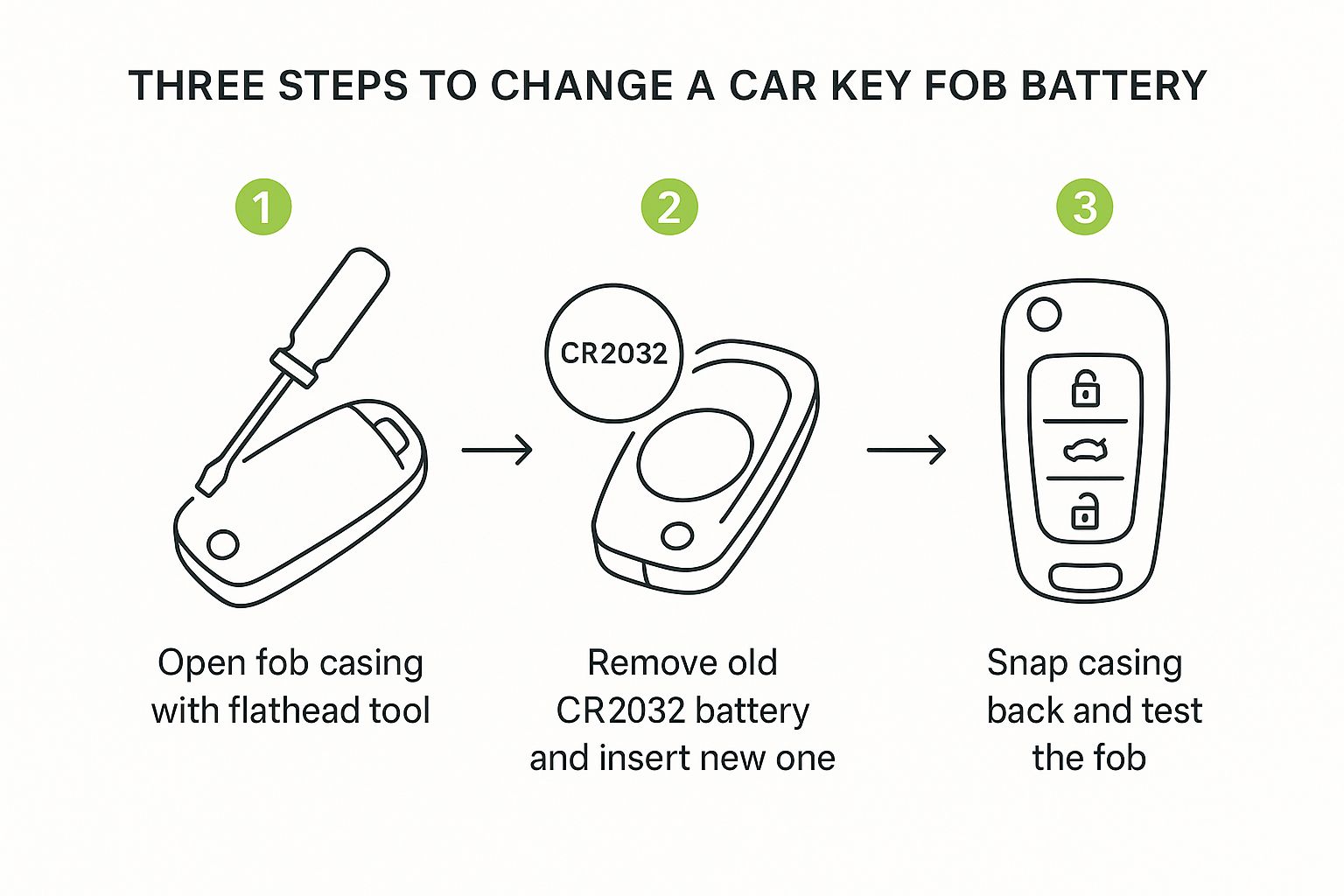
As you can see, it really just boils down to carefully opening it up, doing a quick swap, and then putting it all back together.
All that's left is to snap the casing back together. Make sure you hear a satisfying click so you know it's secure. Now, give the buttons a press. Your car should lock and unlock straight away. Job done.
Troubleshooting: What to Do If It Still Doesn't Work
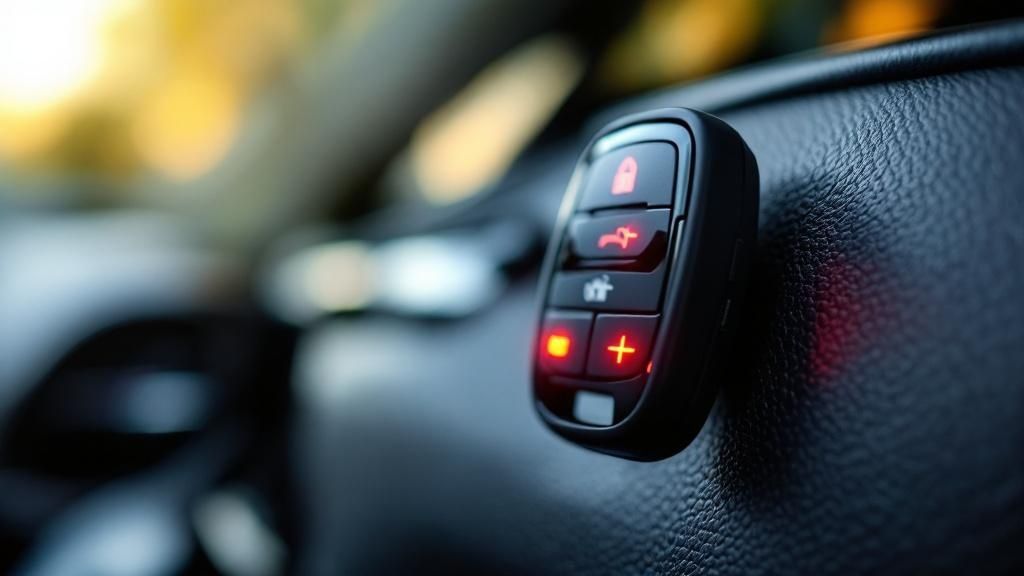
Right, so you’ve swapped out the old battery for a new one, snapped the case shut, but... nothing. Your car is stubbornly ignoring you. It’s a frustrating moment, but don't chuck the fob across the drive just yet! This happens more often than you’d think, and it’s usually down to something really simple.
Before you start thinking you’ve broken it, let's run through a few of the most common issues.
A Quick Troubleshooting Checklist
Nine times out of ten, when a fob doesn't work after a battery change, it's one of these simple things. Let’s get it sorted.
Is the battery in the right way up? It sounds obvious, I know, but it’s the number one culprit. Pop the case back open and double-check that the positive (+) side is facing the correct direction, matching how the old one came out.
Did you remove the protective film? Some new coin batteries come with a tiny, clear plastic sticker on one side. If this is still on, it will block the connection. Check both sides of the new battery carefully.
Are the contacts making a good connection? Over time, the little metal tabs inside the fob that touch the battery can get a bit grimy or slightly bent. Give them a gentle wipe with a dry cloth or cotton bud and make sure they’re pressing firmly against the new battery.
Is the case fully clicked together? If the two halves of the fob casing aren't snapped together securely all the way around, the internal components might not be aligned properly. Give it a firm squeeze until you hear it click shut.
Does it need to be reprogrammed? While most cars don't require this, some do lose their sync. Check your car's manual or our guide on programming car keys to see if this applies to your model.
When to Call a Professional Auto Locksmith
Look, a fresh battery fixes the problem nine times out of ten. But sometimes, you run into an issue that's a bit more stubborn than a simple power swap. Knowing when to put the tools down and call for backup can save you a world of headache.
Real-Life Example: Just last week, we helped a customer in Coventry who had a similar problem. They'd changed their Ford Focus key fob battery, but it still wouldn't work. After trying everything, they gave us a call. It turned out that when prying the case open, the transponder chip inside had been slightly dislodged. It’s a tiny component and easy to miss. We were able to reseat it properly and get them back on the road in minutes.
If you've cracked the casing, accidentally broken a piece off the circuit board, or the fob just won't talk to your car after you've tried all the troubleshooting steps, it's time to get an expert on the line. These issues often point to deeper electronic faults that only professional diagnostic tools can figure out. If you're curious about the tech inside your key, our practical guide to transponder car keys is a great read.
Frequently Asked Questions (FAQ)
Right, so you've swapped the battery and everything seems to be working. Brilliant! But it’s normal to still have a couple of questions nagging at you. Let's run through a few of the most common ones we hear.
How Long Should a New Car Key Fob Battery Last?
Generally speaking, you can expect a quality key fob battery to last for about two to five years. Of course, that’s just an average. How often you use the fob and the quality of the battery itself make a big difference. The battery that comes with the car from the factory usually gives you a solid two to three years. If you’ve popped in a cheap, unbranded one, you might find yourself doing this all over again in about a year. For a deeper dive, there's a great discussion on battery life expectancy over on team-bhp.com.
Will I Need to Reprogramme My Key Fob After Changing the Battery?
For the vast majority of cars, the answer is a simple no. The key fob is designed to remember its code even without power for a short time. Just swap the battery, and you're good to go.
There are, however, a few exceptions. Some older models or specific makes might lose their sync with the car if the battery is out for too long. If your fob isn’t working after a successful battery change and troubleshooting, reprogramming might be the next step.
Can I Use Any Battery That Fits?
No, you must use the exact same type of battery that you removed. While another battery might physically fit, differences in voltage or composition can damage the delicate electronics inside your key fob or cause it to malfunction. Always match the code (e.g., CR2032) printed on the old battery.
And if you've tried everything and are still stuck, that's where we come in. Top Motor Keys offers expert mobile auto locksmith services. If you are in Coventry, Tamworth, Leicester, Northampton, Birmingham, or the surrounding Midlands areas, our team is ready to help. Just give us a shout.